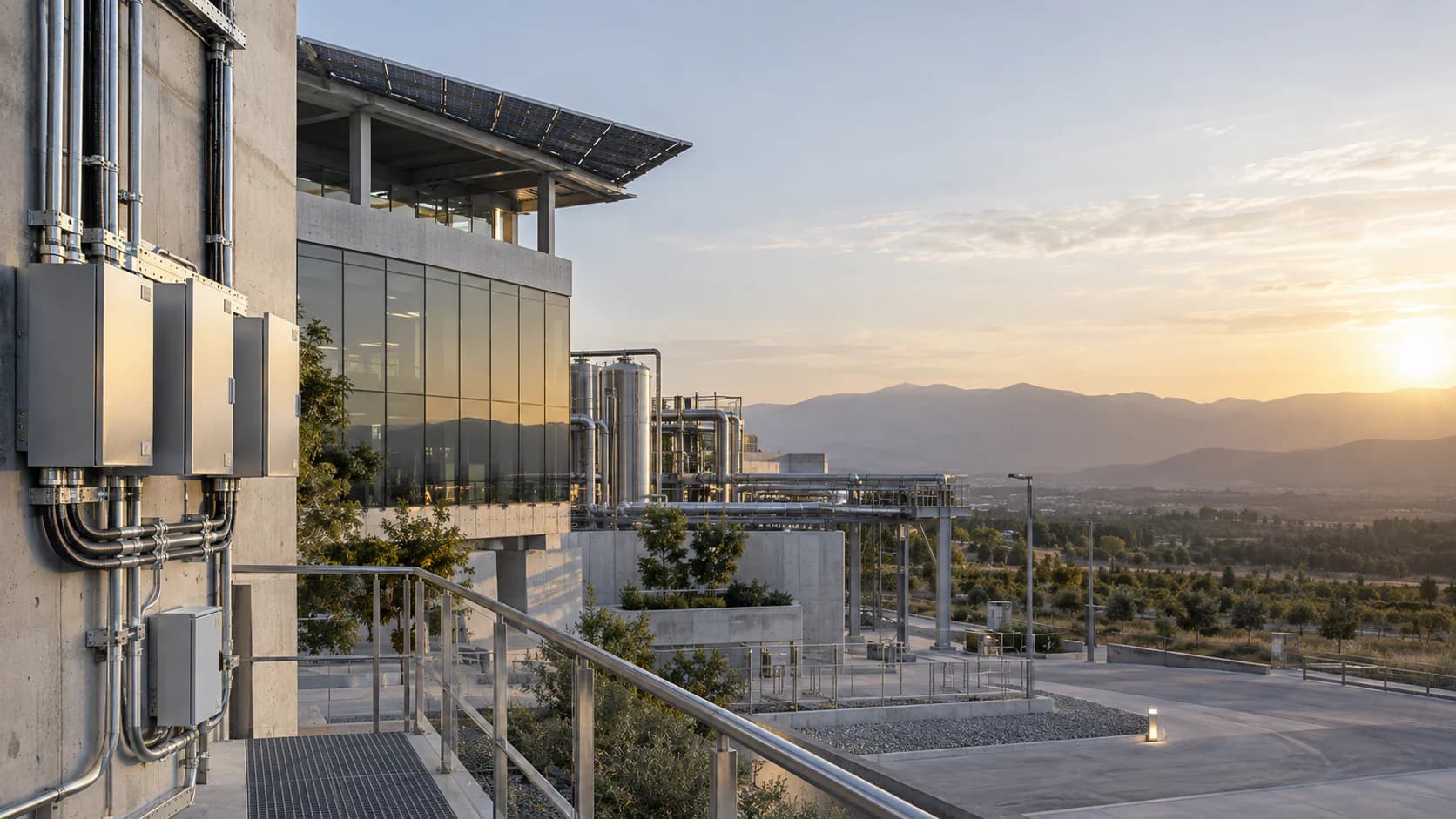
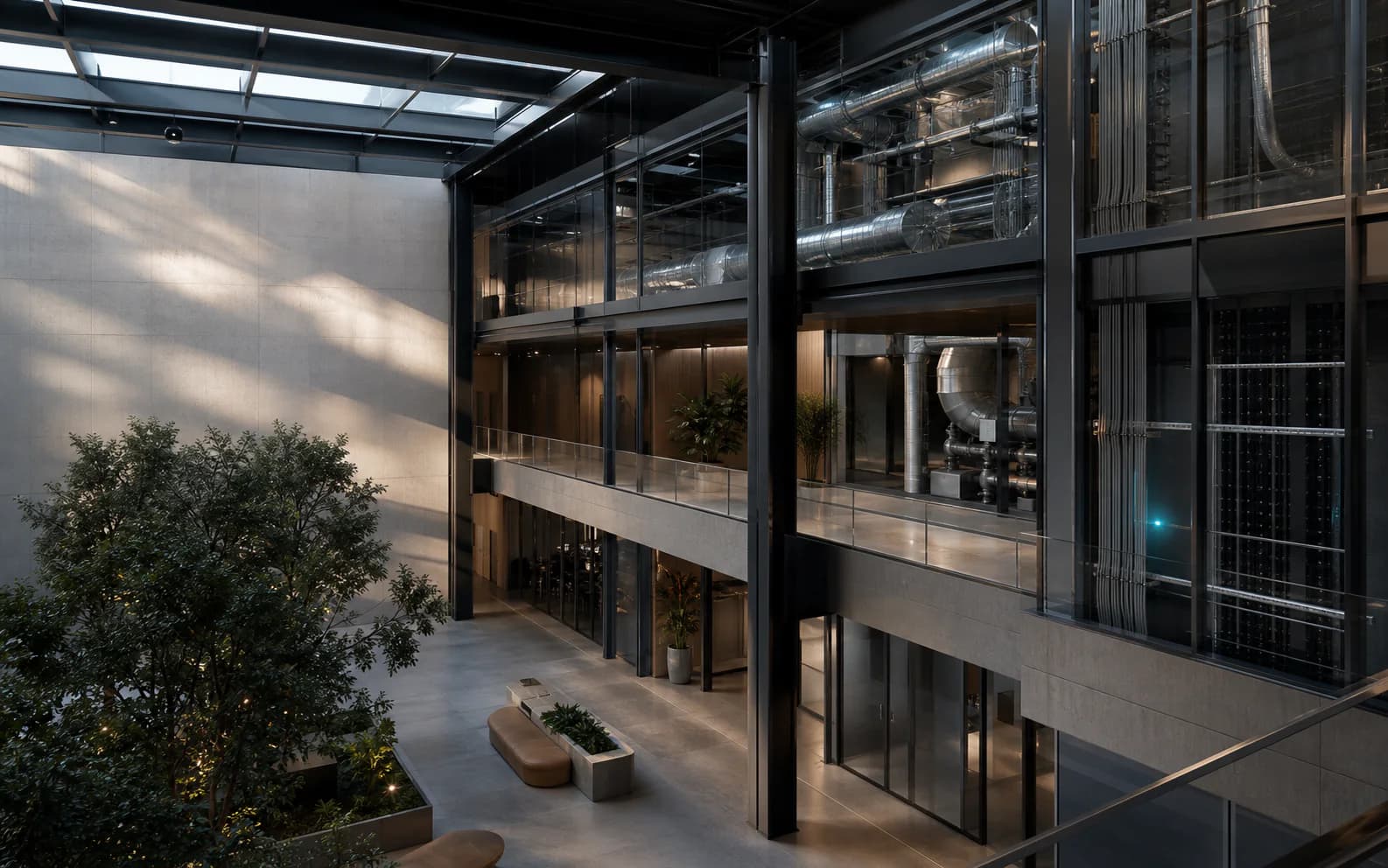
Commercial building transitioning from a physical exterior to a detailed systems cutaway

The BMS is your building's operational layer.

Bring climate, power, lighting, spaces, equipment and alarms into one clear view for the team operating the building.

The operator's view of the building.

Select a domain to see how physical systems become operational context, investigation and action.

Whole-building operations

See the building as one operating system.

The overview connects system condition, place, events and planned operation before the operator enters a detail view.

Physical buildingBuilding overview
  • Climate and ventilation
  • Electrical and lighting
  • Spaces and indoor conditions
  • Equipment and utilities
  • Alarms, schedules and history
Operator workspaceUse the context
  1. Orient across the building
  2. Find the affected system
  3. Choose what to investigate

Conceptual product interface. No facility data is shown. Available views depend on connected building systems.

A BMS is the operational layer of the building.

It connects systems, areas, equipment, events and schedules in a common environment for monitoring, supervision and control where supported.

A building

One physical environment made from many specialist systems.

Occupied spaces

The conditions people experience and the controls that shape each area.

  • Climate
  • Ventilation
  • Lighting
  • Indoor environment
  • Zones

Building infrastructure

The plant, distribution and connected equipment that keep the building operating.

  • Electrical
  • Chillers
  • Boilers
  • Pumps
  • Fans
  • Utilities

Operational coordination

The shared context facility teams use to understand change and plan a response.

  • Alarms
  • Schedules
  • Control modes
  • Events
  • History
One operational model

The operator sees relationships, not a pile of disconnected interfaces.

Separate systems create separate answers.

A building team still needs to understand how those answers relate to one building.

Without a common view

Mechanical controlsSeparate contextElectrical distributionSeparate contextLighting controlsSeparate contextRoom conditionsSeparate contextEquipment recordsSeparate contextAlarm interfacesSeparate context

With a BMS dashboard

One building. One place to begin.

Systems remain distinct, but their operational context becomes understandable together.

  1. See
  2. Locate
  3. Investigate
  4. Respond
Building systems reveal from physical infrastructure into an operational system model

From physical building to operator understanding

Physical building

A complex environment shaped by many connected systems.

Building systems

Climate, power, lighting, utilities, safety and equipment become visible.

System information

Conditions, states, schedules and events gain a physical location.

BMS dashboard

Domains, events and schedules become one clear operational view.

Operator understanding

Context reveals what needs attention and where to respond.

Construction ends. Building operation does not.

During delivery, each discipline manages its own package. After handover, the owner inherits one building. The BMS gives the operations team a usable layer across those systems.

Operational continuity
Keep commissioned systems organized around the building after the delivery team leaves.
Clear ownership
Give facility teams one place to orient before they enter specialist systems or maintenance workflows.
A usable foundation
Preserve system context for future investigation, maintenance and informed optimization.

Know what deserves attention.

Alarms and events stay attached to location, related systems and the next investigation step.

Building operator at a discreet control workspace integrated into a modern commercial interior
Conceptual workflowConditions requiring review
HVAC system

Operating condition changed.

System context

Plant room / air handling / served zones

Review path

Equipment state / Operating schedule / Air distribution

Explore in BMS
DetectionAwarenessInvestigationAction

What the dashboard changes.

It turns specialist building information into a shared operational starting point.

One starting point

Begin with the building, then move to the system, area or equipment involved.

Context before response

Connect alarms and changed conditions to place, schedules and related systems.

A common operating picture

Give facility and engineering teams the same structured view of the building.

Operational memory

Where data is collected, review prior events and system behavior without losing building context.

See the BMS in action.

Explore how the operational view can be structured around your building, systems and facility team.